Rated 5.0 on G2
Turn raw screen recordings into cinematic product demos
Record naturally. Clickly guides the camera with auto-zoom, replaces mouse jitter with smooth vector cursors, and frames it all in studio wallpapers. No video editing required.
Trusted by 64,200+ creators, indie founders, and product teams
Record, edit, and export from one browser tab.
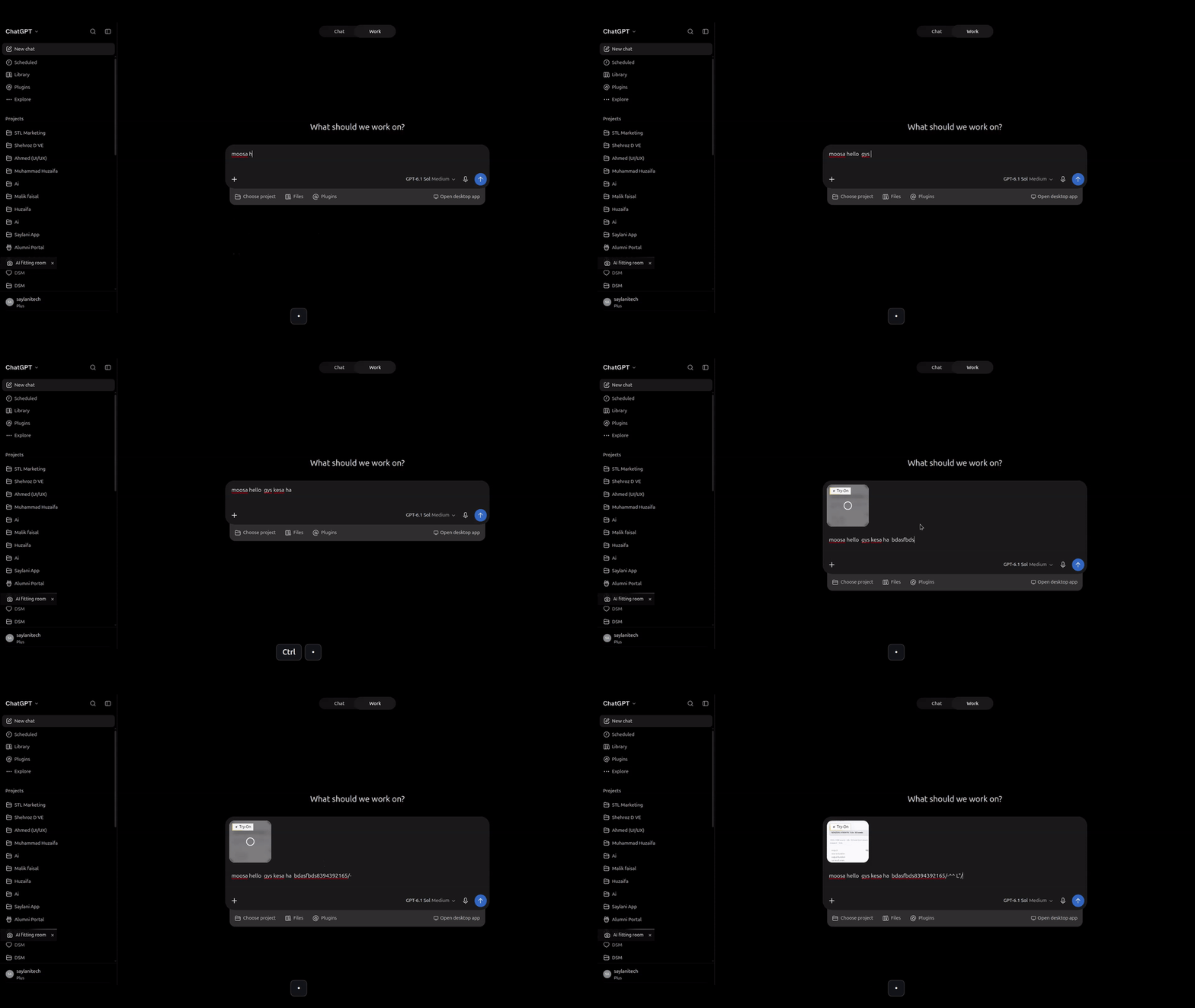
Record
Hit record and use your software normally. Clickly captures full-resolution frames while logging every click, scroll, and cursor position with a timestamp.
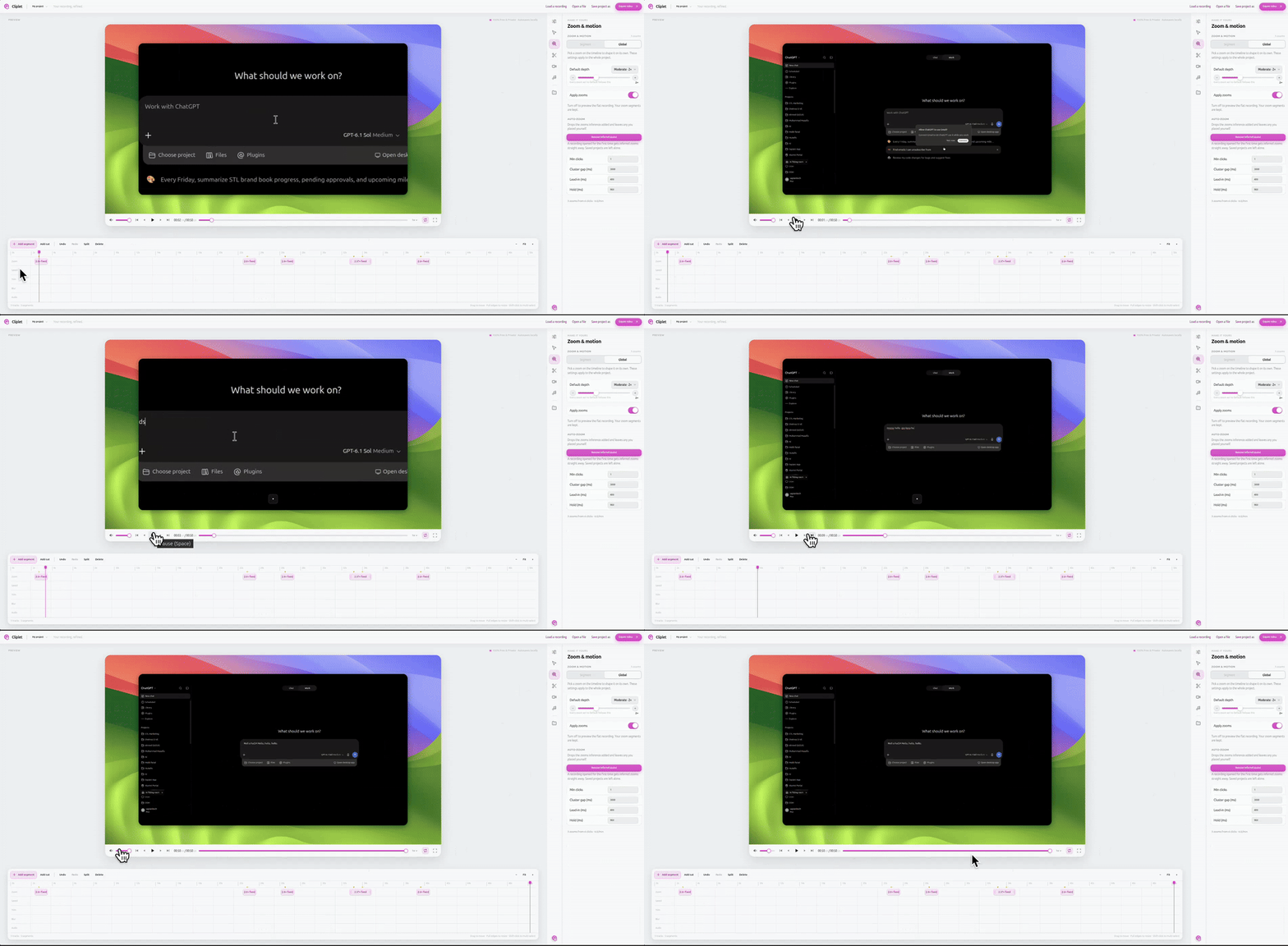
Edit
Split the take into segments, trim the dead air, and tune each zoom beat. Nothing is baked into the frames, so every change stays non-destructive.
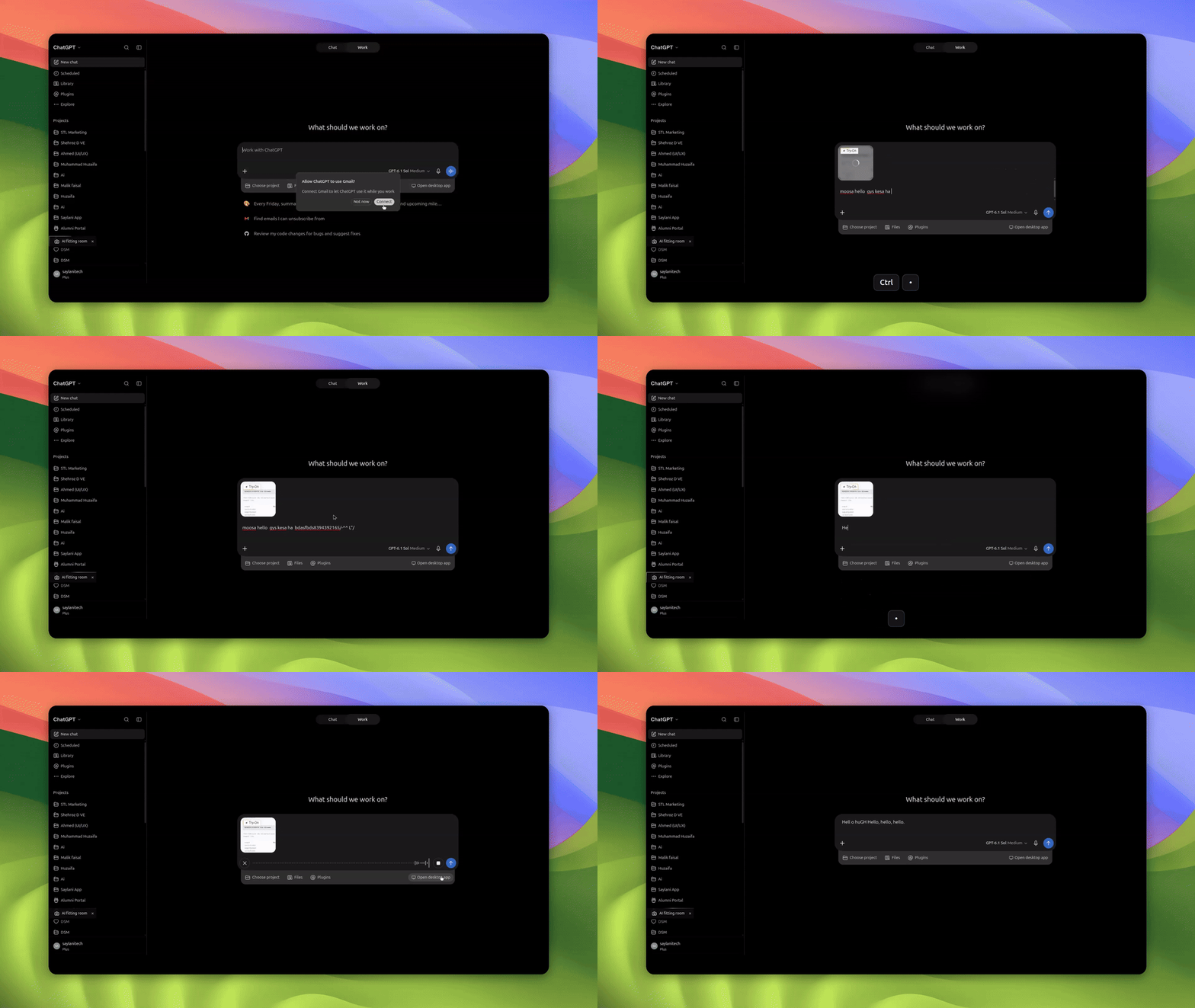
Export
Pick 4K, 1440p, or 1080p at 30 or 60fps. WebCodecs encodes it on your own GPU, straight to MP4, WebM, or GIF.
Manual timeline keyframing
Auto-zoom and pan paths are generated mathematically from your actual click timeline.
Razor sharp at any zoom level
Because cursors are redrawn vector sprites and zoom crops DPR-2 sources, pixels never blur.
No subscriptions or watermarks
An open-source browser studio that rivals $89+ Mac-only desktop recorders.
Measured on a 60-second 4K capture exported locally via WebCodecs.
Everything you need to record, polish, and ship product videos.
Redrawn vector cursor engine
Traditional recorders bake a pixelated cursor into the video. Clickly stores the coordinates as data and redraws a scalable vector cursor with click rings and realistic motion lag — crisp at any zoom level.
RNNoise neural denoise
A WebAssembly neural network strips room echo, fan hiss, and keyboard clatter without muffling your voice.
Apple studio wallpapers
Turn ragged window edges into studio art. Switch between Tahoe, Monterey, Sequoia, Sunset, or frosted glass.
100% local-first privacy
Captures hold passwords, internal metrics, and customer data. Clickly renders entirely in your browser — zero bytes reach a server.
Picture-in-picture webcam
Add a circular webcam bubble with soft edge glow that dims automatically over dense code and diagrams.
Trim and cut
Scrub the timeline, drop dead air, and splice takes without re-rendering.
MP4, WebM, and GIF
One export panel, three formats, each encoded on your own GPU.
Keyboard-driven
Start, pause, and mark a zoom beat without ever leaving the recording.
How Clickly compares to the tools you already pay for.
| Capability | Clickly | Screen Studio | Loom |
|---|---|---|---|
| Price | 100% Free | $89 one-time (Mac only) | $150 / user / year |
| Auto-Zoom & Pan | Yes (Non-destructive) | Yes | No |
| Smooth Vector Cursor | Yes (Razor sharp at 4K) | Yes | No (Pixelated) |
| Cross-Platform | Chrome, Windows, Mac, Linux | Mac Only | Web & Desktop |
| Local Privacy & No Cloud Queue | 100% Local WebCodecs | Local | Cloud upload required |
| Watermark | Never | No | Free tier limited |
Clickly helps teams ship better product demos by making good recording habits effortless.
Our pace is intense, and Clickly turns every screen recording into a shippable clip.
Frequently asked questions
How does Clickly differ from normal screen recorders?
Normal recorders capture a flat video stream with your mouse burned directly into the pixels. If you zoom in later, it looks blurry and pixelated. Clickly records a flat 4K video while simultaneously recording a timestamped stream of cursor and click events. During export, the camera motion is computed dynamically and the cursor is drawn as a razor-sharp vector sprite.
Is Clickly really 100% free with no watermarks?
Yes. Clickly runs entirely inside your browser using hardware WebCodecs and IndexedDB. Because all encoding and video composition occurs directly on your machine's GPU, there are zero server compute costs for us to pass along to you.
Are my recordings ever uploaded to a server?
Never. Unlike cloud video tools that require you to upload footage to third-party databases, Clickly is 100% local-first. Your video data, audio tracks, and cursor coordinates never leave your device.
Can I customize the zoom levels and edit after recording?
Yes. Because camera position and zoom factor are stored as metadata rather than baked into the raw frames, you can open any completed recording in the built-in Studio editor to trim cuts, change zoom depth (1.0x to 3.0x), adjust easing speed, or pick different background wallpapers.
Does it work on Windows and Linux?
Yes! Because Clickly is built as a modern Chromium extension (MV3) leveraging standard WebCodecs and OffscreenCanvas APIs, it operates on Chrome, Brave, and Edge across Windows, macOS, Linux, and ChromeOS.
Make videos that look like they took days to edit.
No editing skills required. Install the free Chrome extension and start recording in seconds.